01
Pick up where you left off.
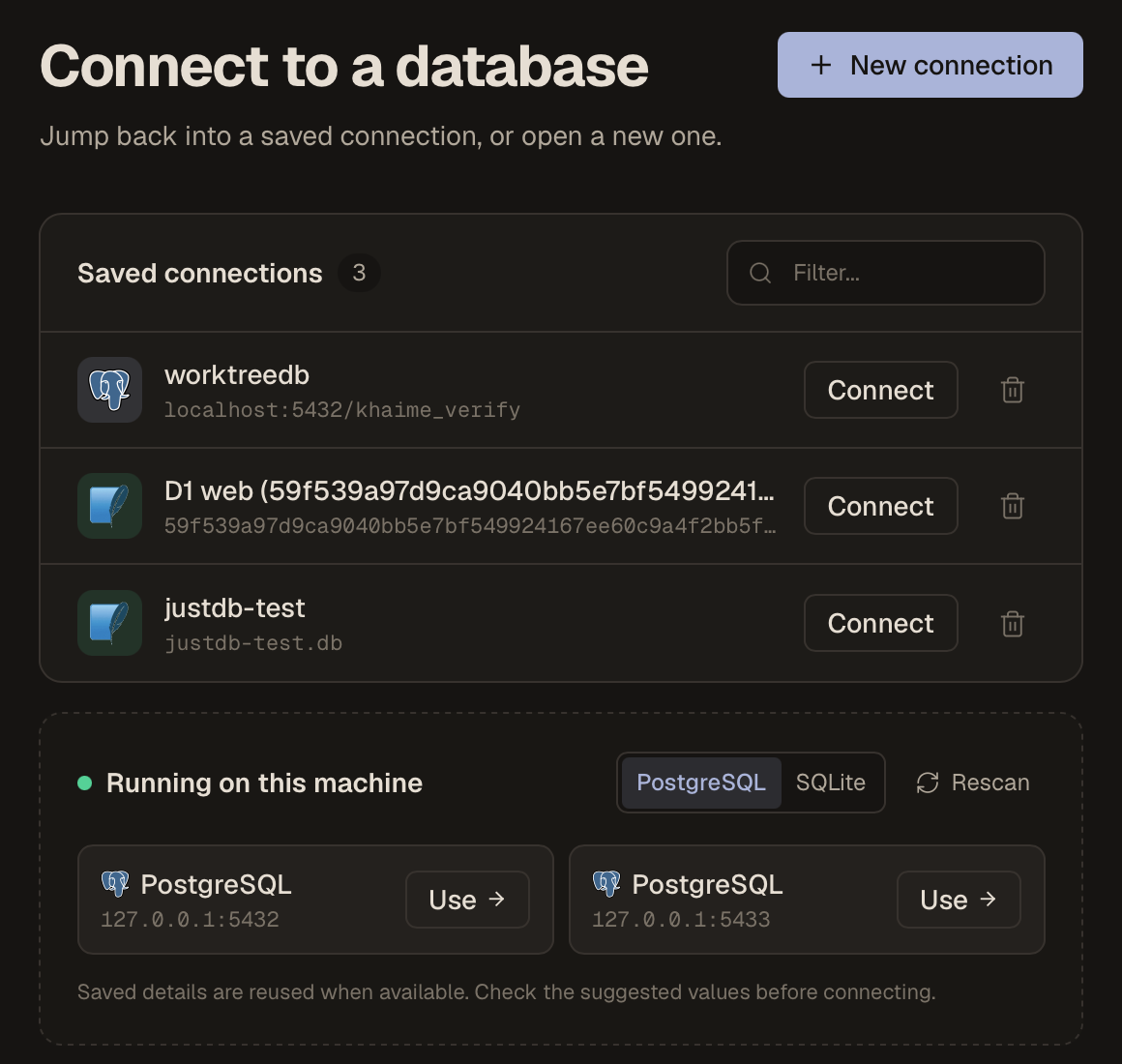
Keep your saved connections together and discover PostgreSQL servers running on your machine. Choose a connection and get straight to your data.
A DESKTOP DATABASE CLIENT
Browse PostgreSQL, SQLite, and Turso. Run SQL, follow relationships, and review edits before saving — all from your desktop.
Free · macOS & Windows · No account needed
brew install --cask codellyson/tap/justdb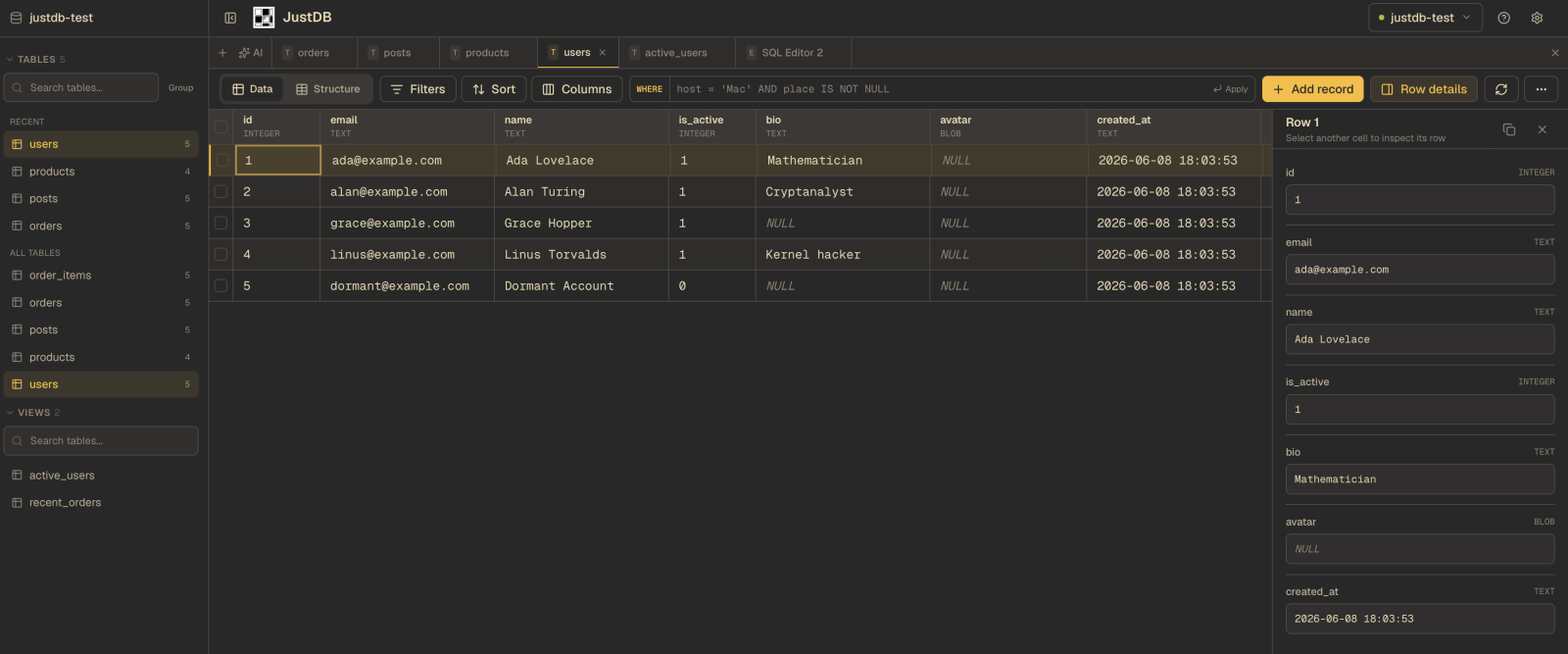
BUILT FOR THE EVERYDAY
From the first connection to the next query,
everything stays close to your data.
Keep your saved connections together and discover PostgreSQL servers running on your machine. Choose a connection and get straight to your data.
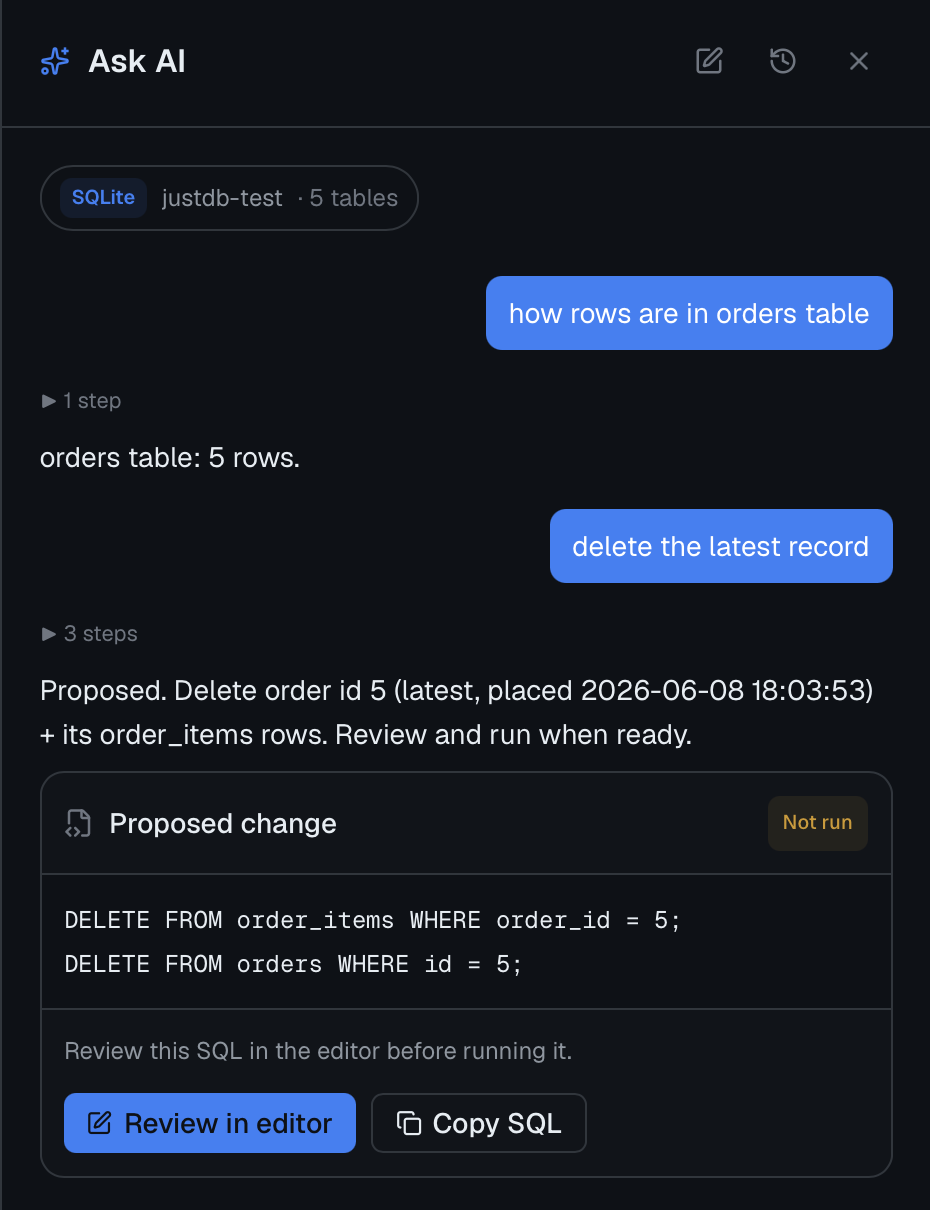
Ask the optional AI assistant about your data. When you request a change, inspect the proposed SQL and open it in the editor before running it. Here, a deletion is explicitly marked “Not run.”
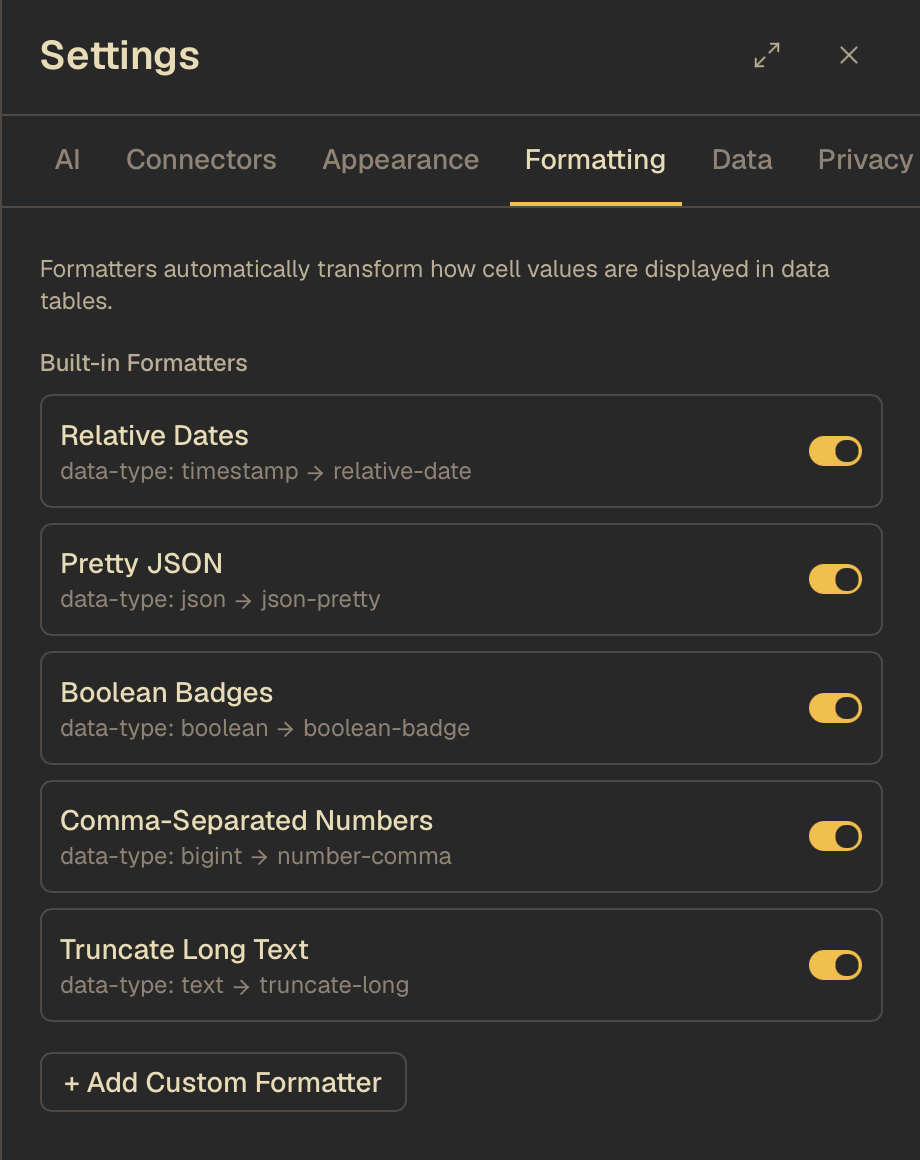
Choose relative dates, pretty JSON, boolean badges, and comma-separated numbers. Control how values appear in your tables from the docked formatting settings.
ON YOUR MACHINE
JustDB connects directly from your machine to your database. Saved credentials stay in the OS keychain. There’s no account to create and no sync service to configure — open the app and start exploring.
Yes. No account, no trial, and no paid tier. Download the desktop app and connect to your database.
Saved passwords and auth tokens are stored in your operating system’s keychain. JustDB connects directly to your database.
AI is optional. Configure your provider or an installed local CLI agent in Settings to ask about your data or draft SQL. You can browse, query, and edit without enabling it.
READY WHEN YOU ARE
Free, on your desktop. No account needed to start.