Your data, in the dark.
Browse tables, filter rows, and move between queries in a quiet dark workspace.
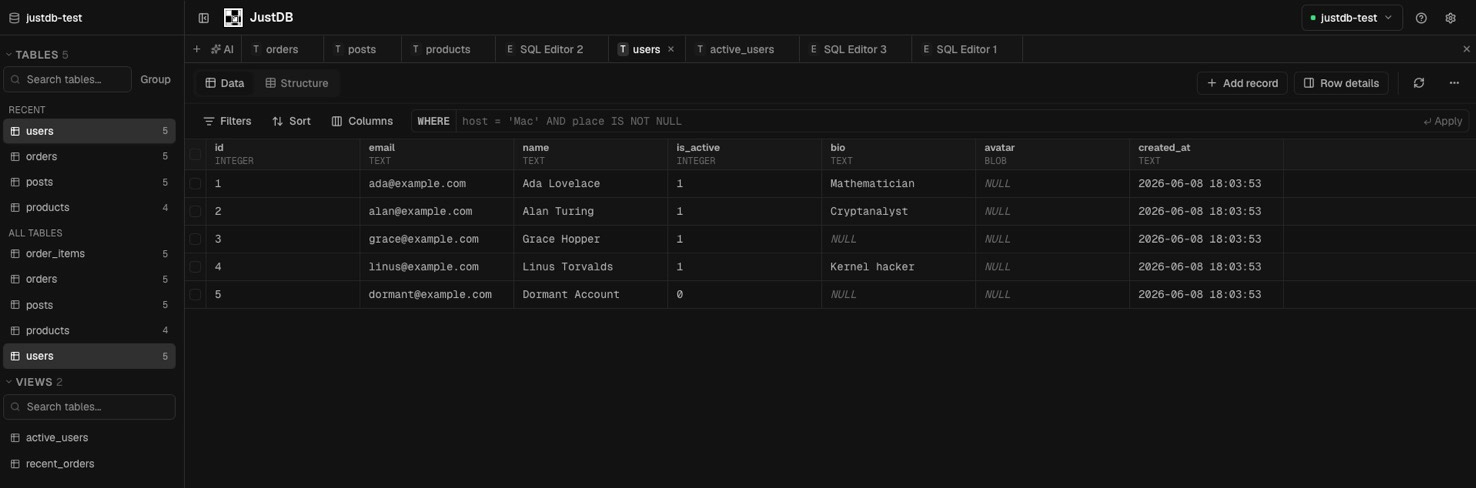
Browse PostgreSQL, SQLite, and Turso. Run SQL, follow relationships, and review edits before saving — all from your desktop.
Free · macOS & Windows · No account needed
brew install --cask codellyson/tap/justdbFrom the first connection to the next query,
everything stays close to your data.
Browse tables, filter rows, and move between queries in a quiet dark workspace.
The same tables, tools, and layout in light mode. Choose either appearance, or follow your system setting.
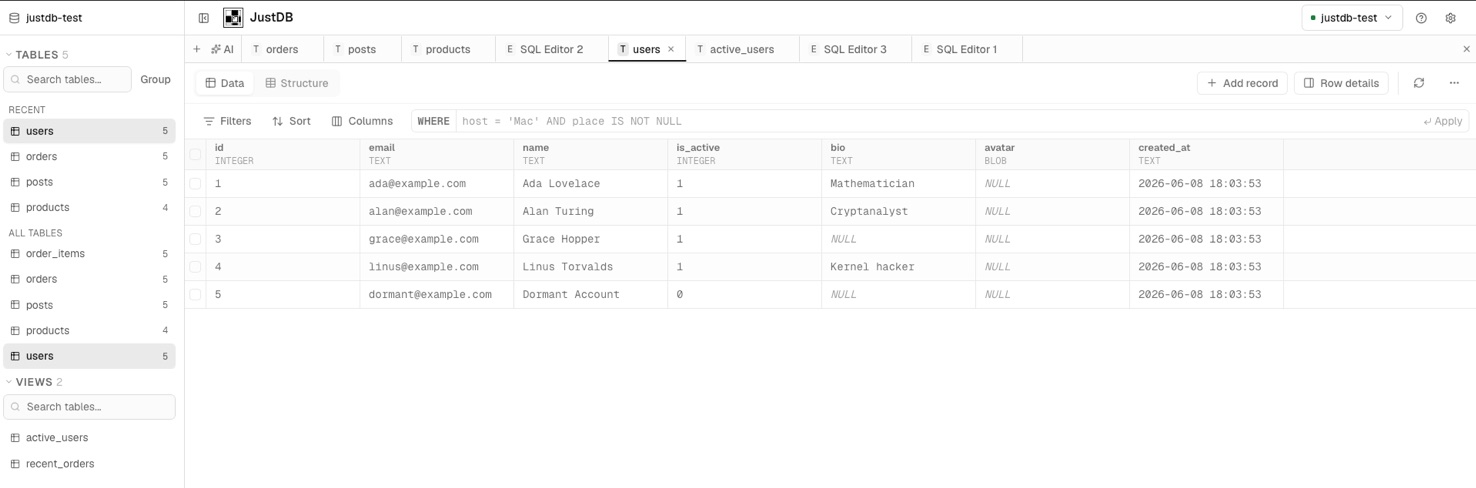
JustDB connects directly from your machine to your database. Saved credentials stay in the OS keychain. There’s no account to create and no sync service to configure — open the app and start exploring.
Yes. No account, no trial, and no paid tier. Download the desktop app and connect to your database.
Saved passwords and auth tokens are stored in your operating system’s keychain. JustDB connects directly to your database.
AI is optional. Configure your provider or an installed local CLI agent in Settings to ask about your data or draft SQL. You can browse, query, and edit without enabling it.